NEX

Local 2D to 3D for Meta Quest

Turn your 2D videos into 3D for Meta Quest.

NEX Link converts the videos you already own locally on your PC or Mac. Open them in NEX and experience a new sense of depth on Meta Quest.

Processed locally Fast + High Quality Included in free trial
NEX Link menu for converting a video to 3D
NEX Link 3D conversion task progress

Made for your library

Watch depth appear in videos you already know.

Bring a new spatial feeling to the content that matters to you, without rebuilding your library around a new format.

Movies you return to

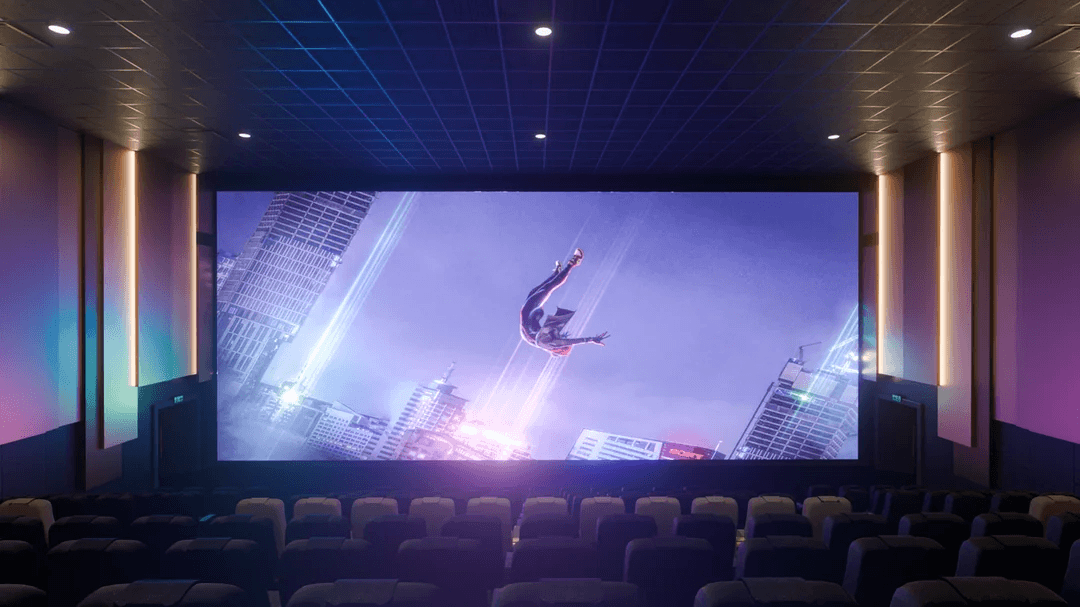
Revisit familiar scenes with depth that makes the screen feel less flat.

Animation with more space

Give layered worlds and visual storytelling a stronger sense of dimension.

Videos that are yours

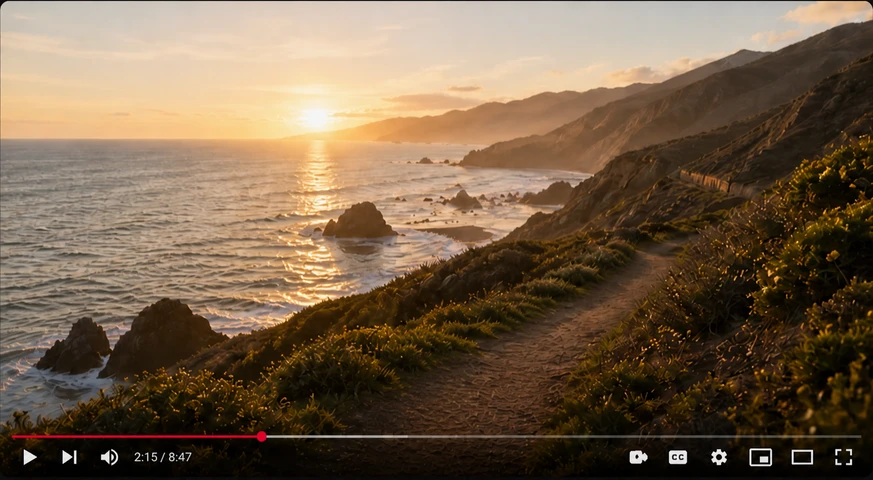
See personal footage and everyday moments from a new perspective inside your headset.

A few simple steps. Then, watch in 3D.

  1. 01

    Add your video

    Choose a video or folder in NEX Link on your PC or Mac.

  2. 02

    Convert locally

    Select Fast or High Quality. Your video stays on your computer.

  3. 03

    Watch on Quest

    Open the original video in NEX and watch it in 3D.

Private by design

2D to 3D—with more speed, detail, and depth.

NEX Link converts locally, keeping your videos private while giving you control over speed, quality, and depth. Start sooner with Fast mode, choose High Quality when detail matters, and expect more depth controls as NEX evolves.

No cloud upload required

Your source video remains on your computer throughout conversion.

Choose your balance

Use Fast mode to begin sooner or High Quality for a more refined depth result.

Start sooner

Fast mode shortens the wait, so you can see the 3D result sooner.

Keep the detail

High Quality mode preserves richer spatial detail for a more natural, immersive result.

We know you don't like waiting.

NEX deeply optimizes local 2D-to-3D conversion—up to 20× faster than the original, unoptimized general approach. In the same benchmark, a cloud-based approach reached 1.98×.

Benchmark: 10-minute 4K H.264 film clip (3840×2160, 24 fps), Windows 11, Intel Core i9-14900K, NVIDIA GeForce RTX 4090, and 64 GB RAM. Cloud test used a 1 Gbps wired connection and includes upload, processing, and download time. Results are normalized to the unoptimized general approach (1×).

What you need

Built for the setup you already use.

Install NEX Link on a supported computer, then watch directly in NEX on Meta Quest.

Windows

NEX Link supports NVIDIA, AMD, and Intel graphics on Windows PCs.

macOS

Use a Mac with Apple silicon running macOS 15 or later.

Meta Quest

Install NEX on Meta Quest. No transfer or copy is needed—open the original video in NEX to watch its 3D version.

NEX Link is free to download.

Choose your computer. NEX Link and the NEX free trial are all you need to begin.

Before you begin

The useful details, clearly answered.

How does NEX convert a 2D video to 3D?

NEX Link analyzes and converts the video locally on your PC or Mac. Open the original video in NEX on Quest to watch the 3D version.

Does my video need to be uploaded?

No. Conversion runs locally on your computer, so the video does not need to be sent to a cloud service.

What is the difference between Fast and High Quality?

Fast mode prioritizes a shorter wait. High Quality spends more processing time on a more refined depth result.

What hardware do I need?

Use a Windows PC with supported NVIDIA, AMD, or Intel graphics, or an Apple silicon Mac running macOS 15 or later. You also need Meta Quest with NEX installed.

Can I try 2D to 3D before buying NEX?

Yes. The NEX free trial includes 2D to 3D. The full experience is unlocked with a one-time purchase, not a subscription.

Your library, reimagined

See what your videos feel like in 3D.

Try NEX on Meta Quest and use NEX Link to bring new depth to the videos you already own.