








NEX Video Player
Watch instantly on Meta Quest 3, preserve every detail with NEX Link, or stream your desktop live in 3D.
 Theater
From personal memories to everyday videos, NEX brings everything you love to watch into immersive 3D.










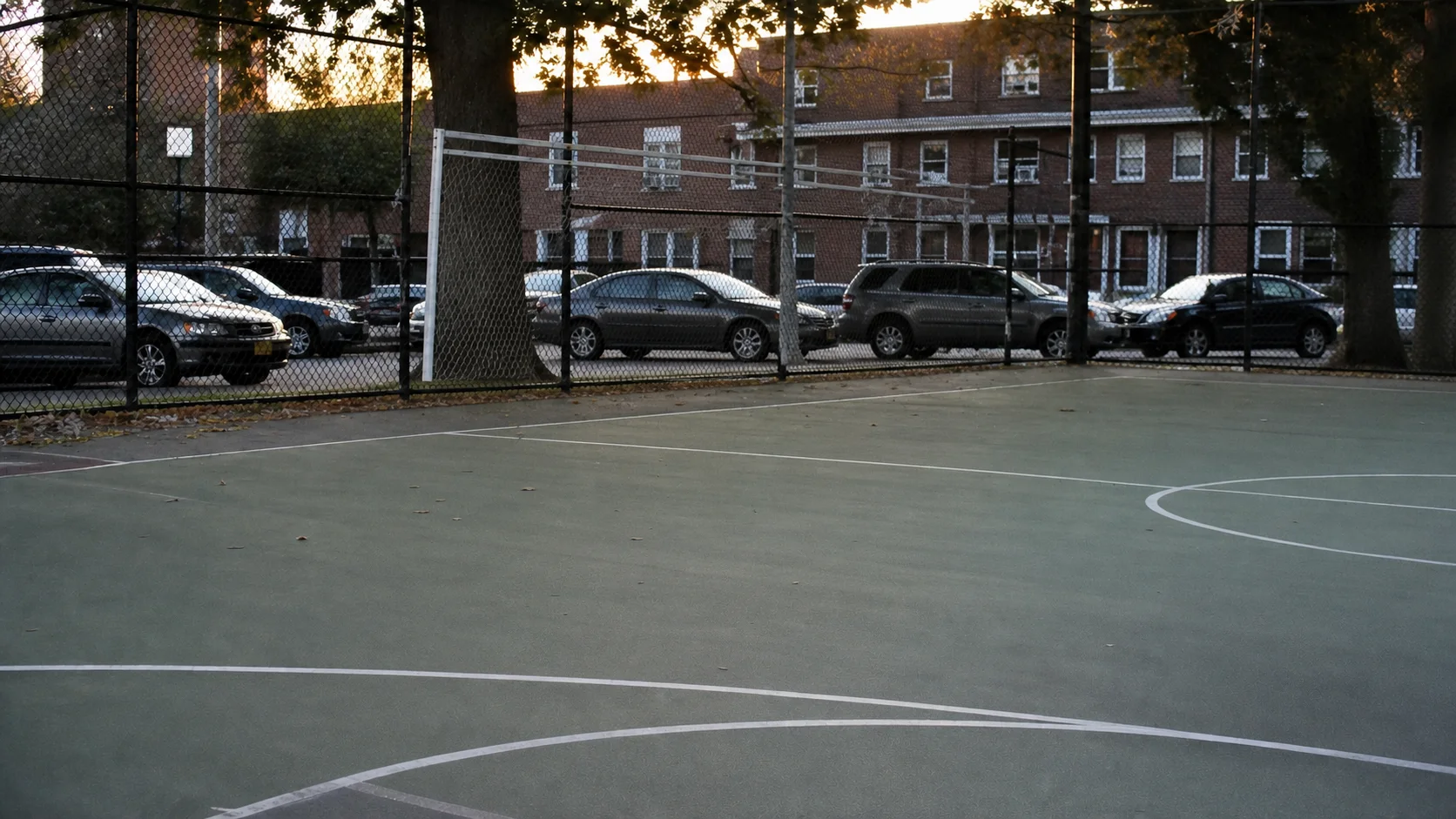









Open any video in Meta Quest 3 and watch it instantly in 3D—no computer, no conversion. Perfect for everyday clips, personal videos, portraits, pets, and moments you want to revisit right away.
NEX Link converts 2D video to 3D locally on your computer. Choose Fast or High Quality. Your video stays on your device.
Conversion happens locally on your PC or Mac. Your videos do not need to be uploaded to the cloud.
Choose Fast or High Quality today, with more 3D depth controls coming as NEX evolves.
Fast mode shortens the wait, so you can see the 3D result sooner.
High Quality mode preserves richer spatial detail for a more natural, immersive result.
NEX deeply optimizes local 2D-to-3D conversion—up to 20× faster than the original, unoptimized general approach. In the same benchmark, a cloud-based approach reached 1.98×.
Benchmark: 10-minute 4K H.264 film clip (3840×2160, 24 fps), Windows 11, Intel Core i9-14900K, NVIDIA GeForce RTX 4090, and 64 GB RAM. Cloud test used a 1 Gbps wired connection and includes upload, processing, and download time. Results are normalized to the unoptimized general approach (1×).
Built for immersive viewing. Wherever your videos live—on your headset, computer, local network, or USB drive—they all come together in your private theater.
Headset storage, USB, NEX Link, SMB, DLNA, and WebDAV.
MVC 3D, Blu-ray ISO, SBS, Top-Bottom, 180°, 360°, and fisheye.
Cinema environments, passthrough, flexible screen placement, controllers, and hands.
Folders, thumbnails, and sources stay clear and organized. Even as your library grows, your next video is always easy to find.
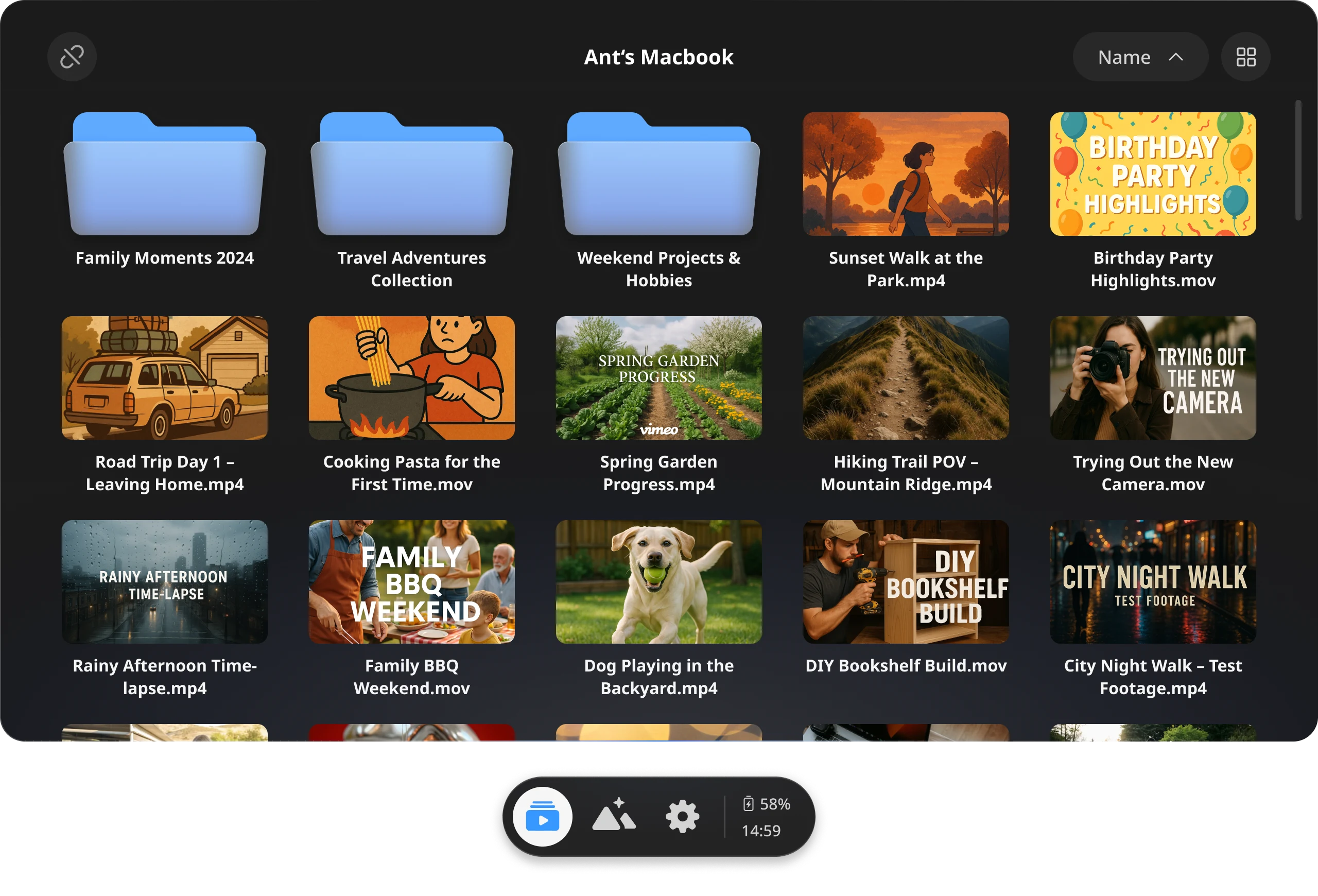
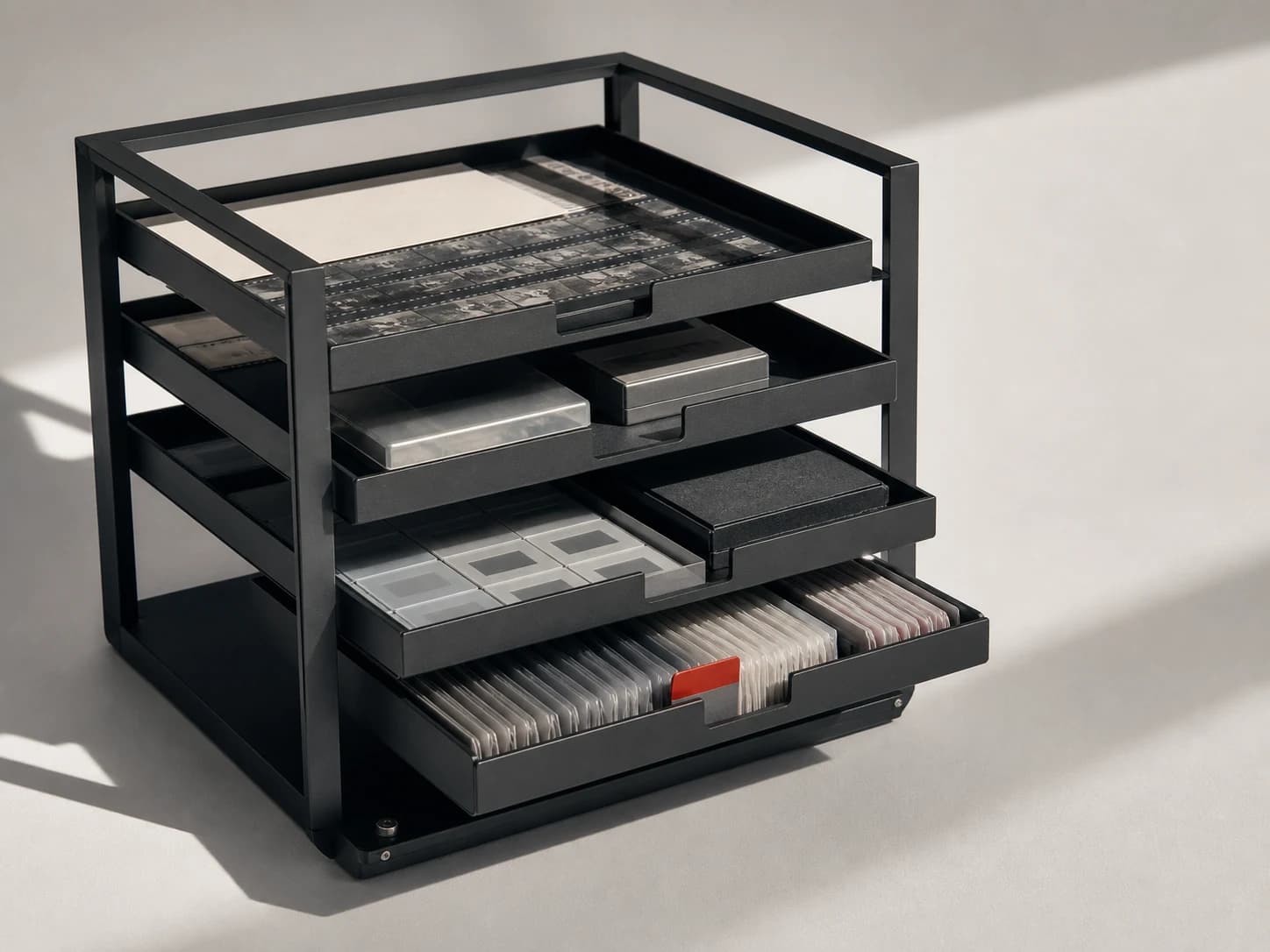
Open videos from your computer, USB drive, headset, SMB, DLNA, or WebDAV directly in NEX. No migration. No rebuilding.
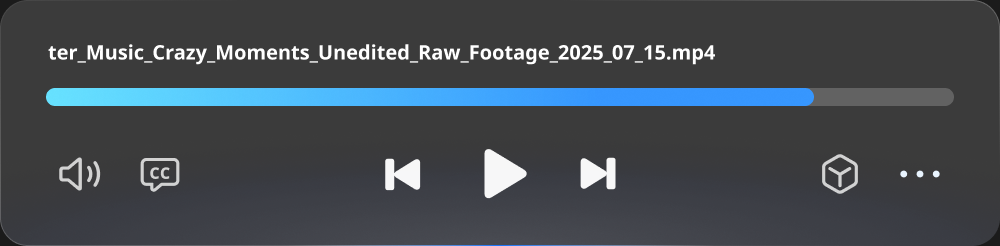
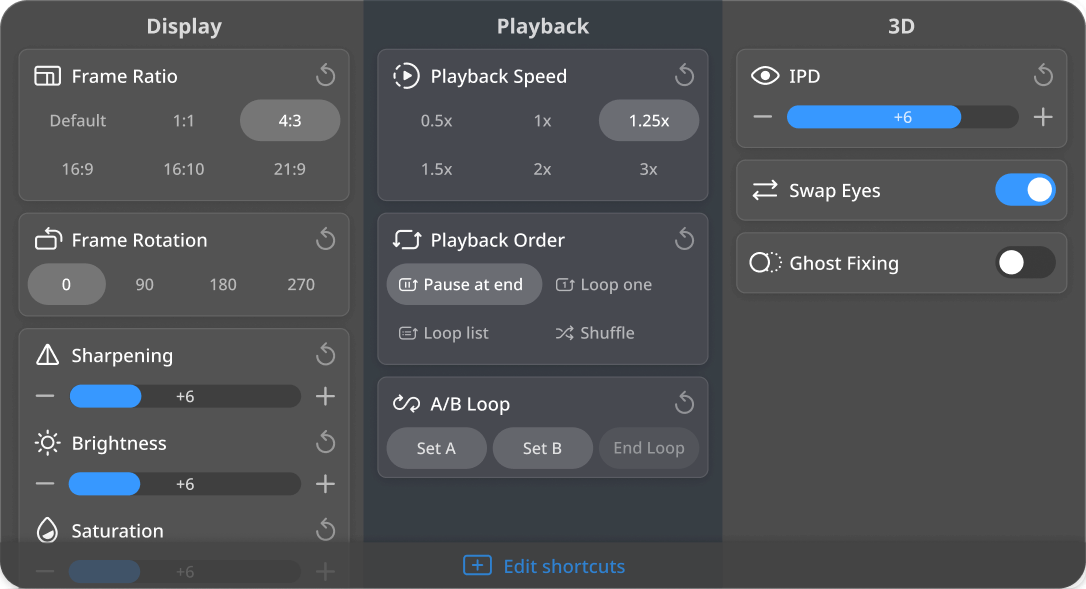
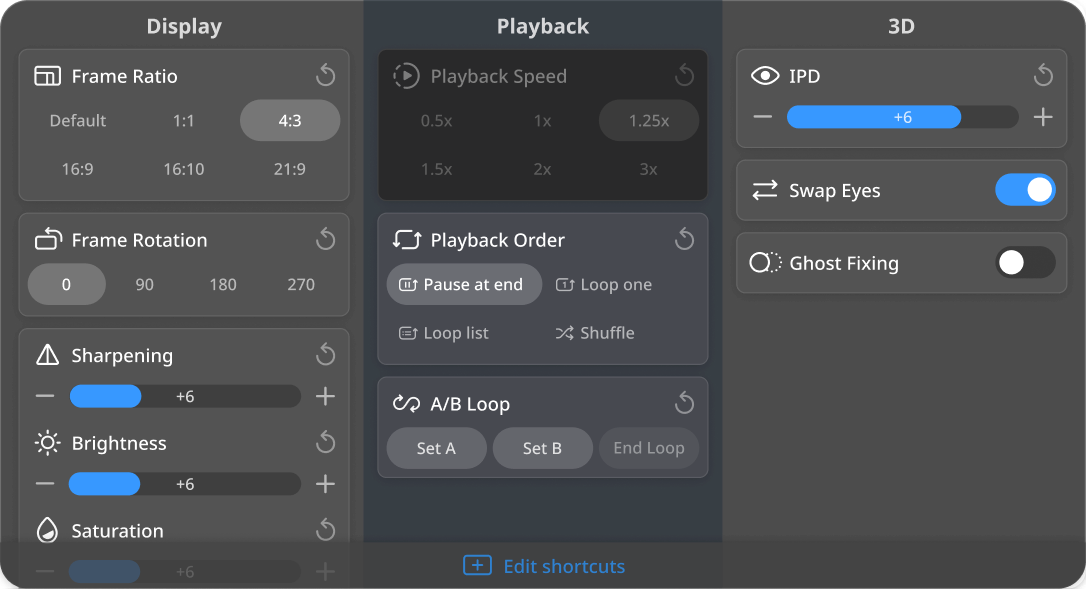
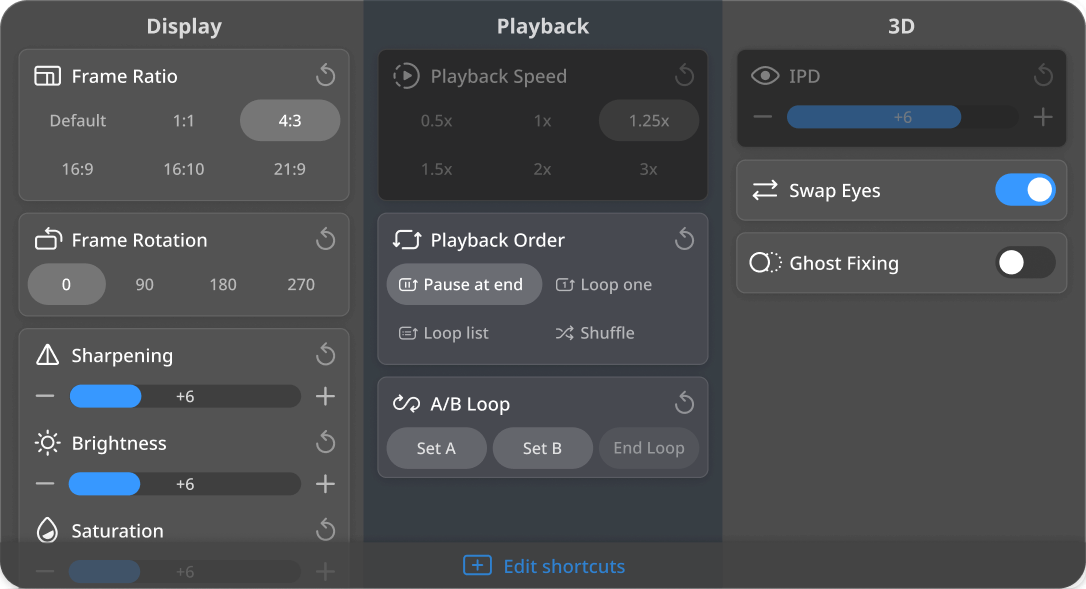


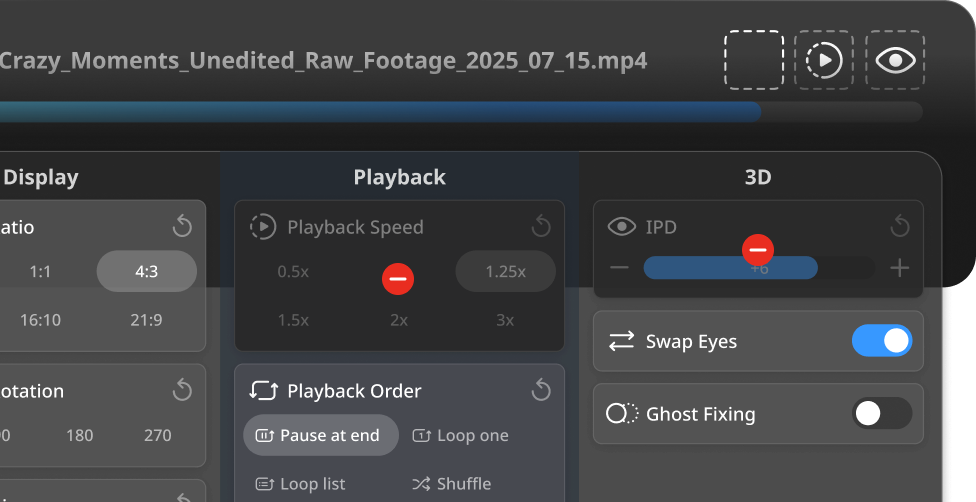
Add playback speed, 3D, shuffle, and the settings you use most directly to the playback controller.
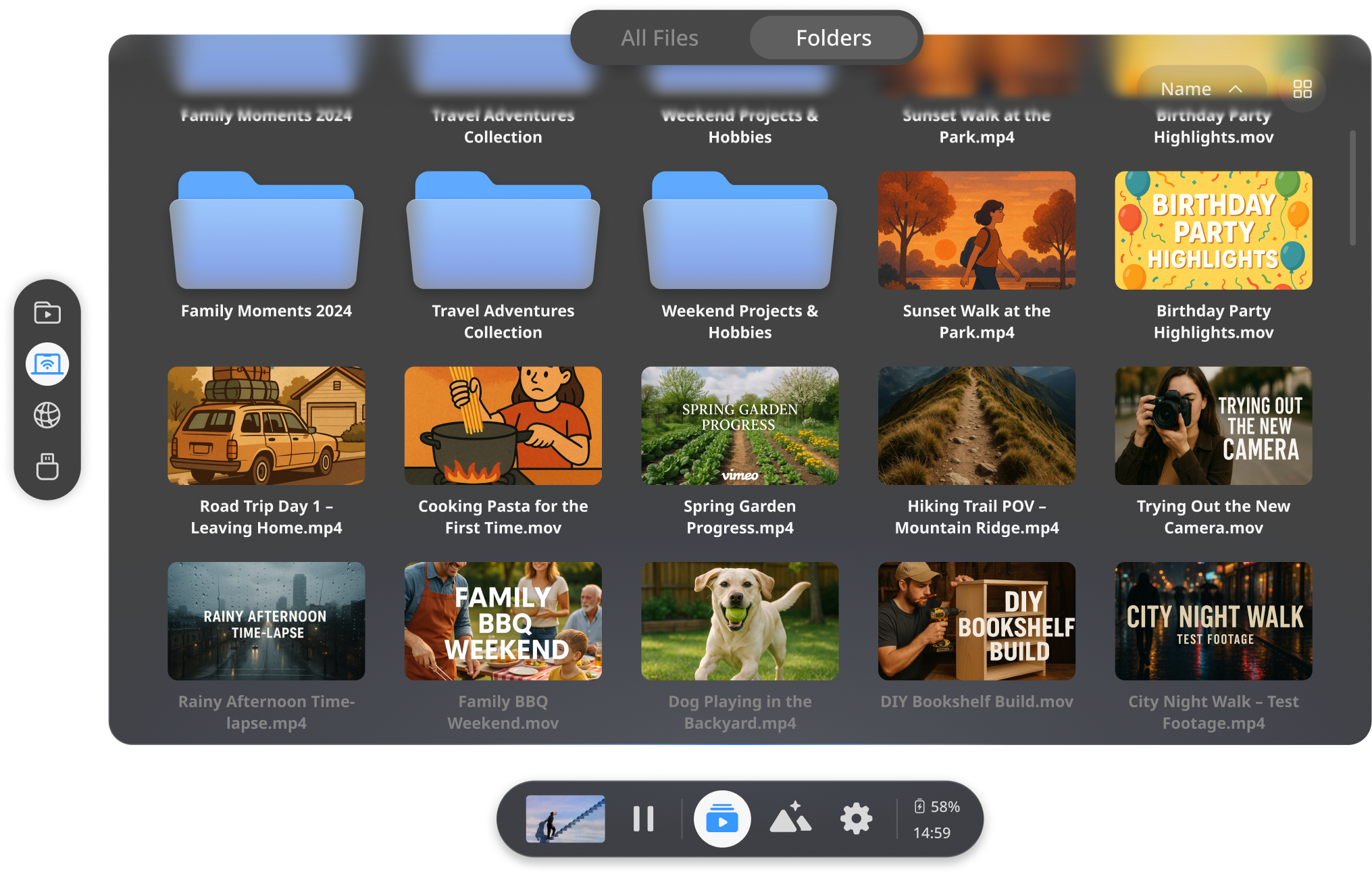

Mini Controls
Control the current video while browsing or adjusting an environment. It expands when needed, then returns to its compact form.
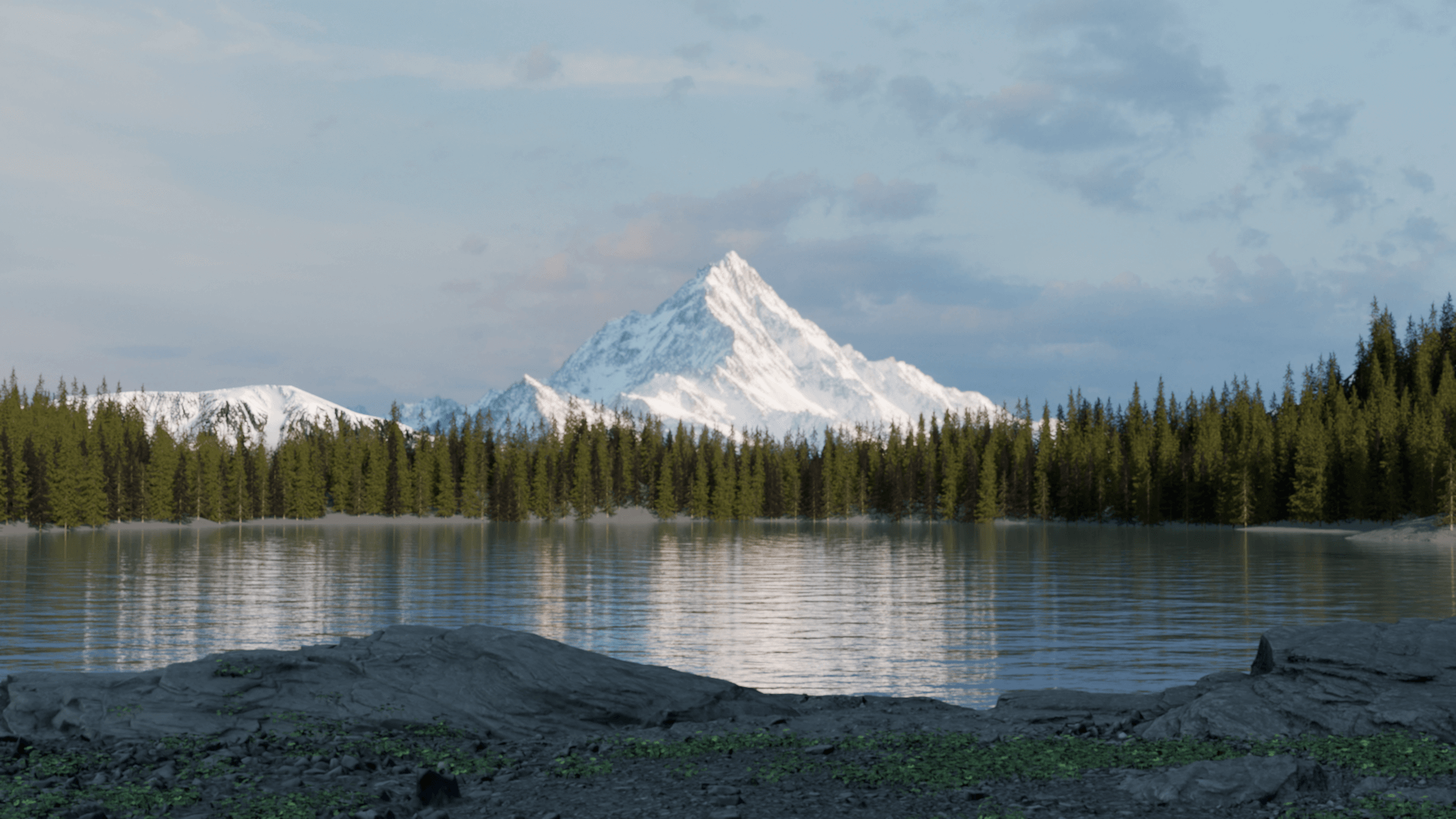
An icy peak. A warm cabin. An endless void. A full-size cinema. Or the world around you. Choose the space that surrounds your screen.
Then make it yours: lighting · screen size & curve · viewing position · ambient sound

Coldpeak
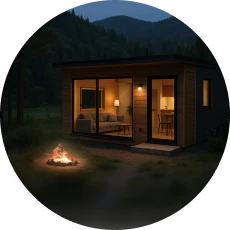
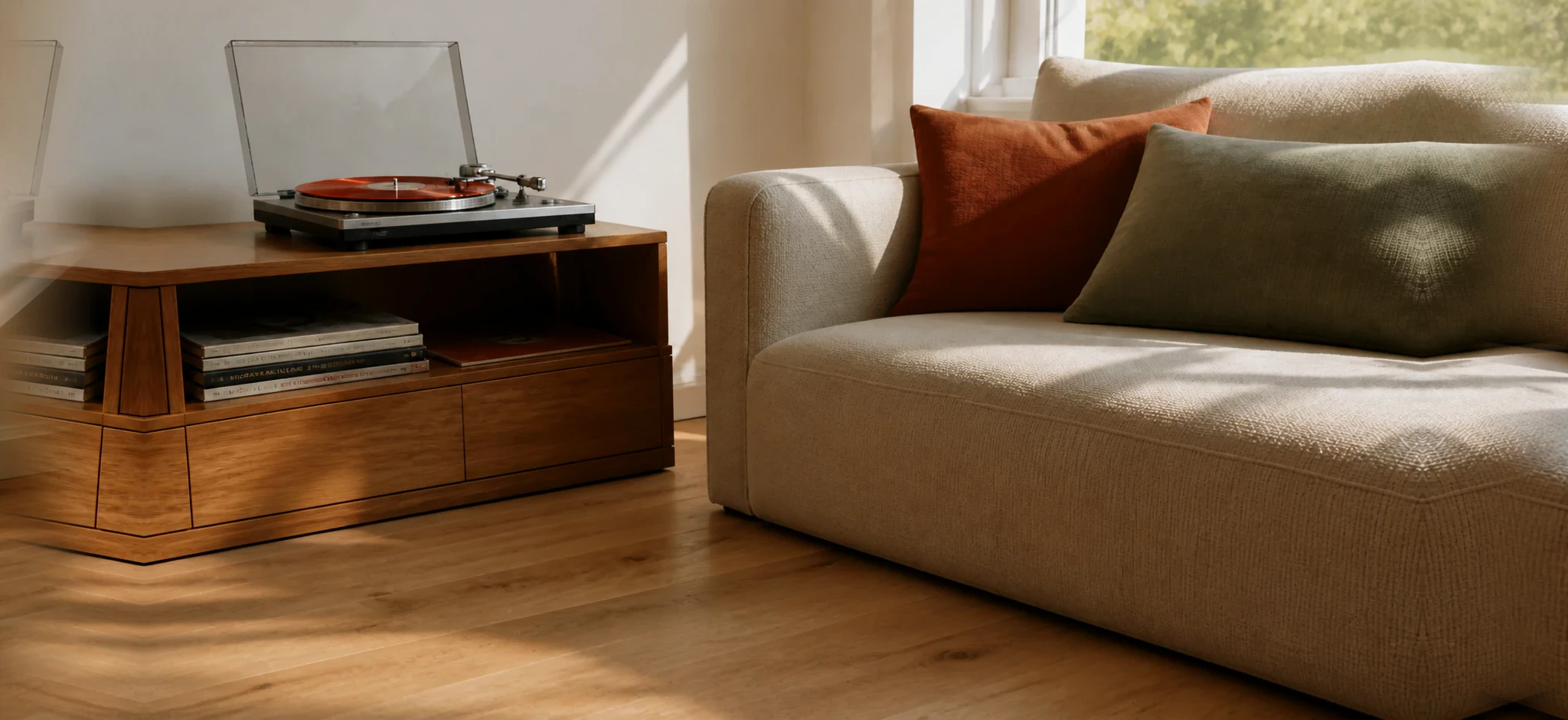
Emberwood

Voidline
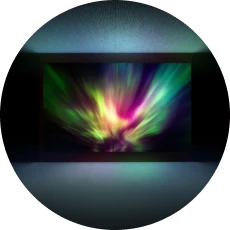
Mono Lux
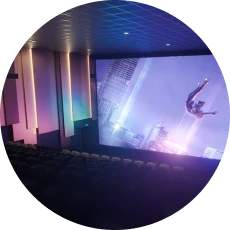
Max Cinema
Passthrough
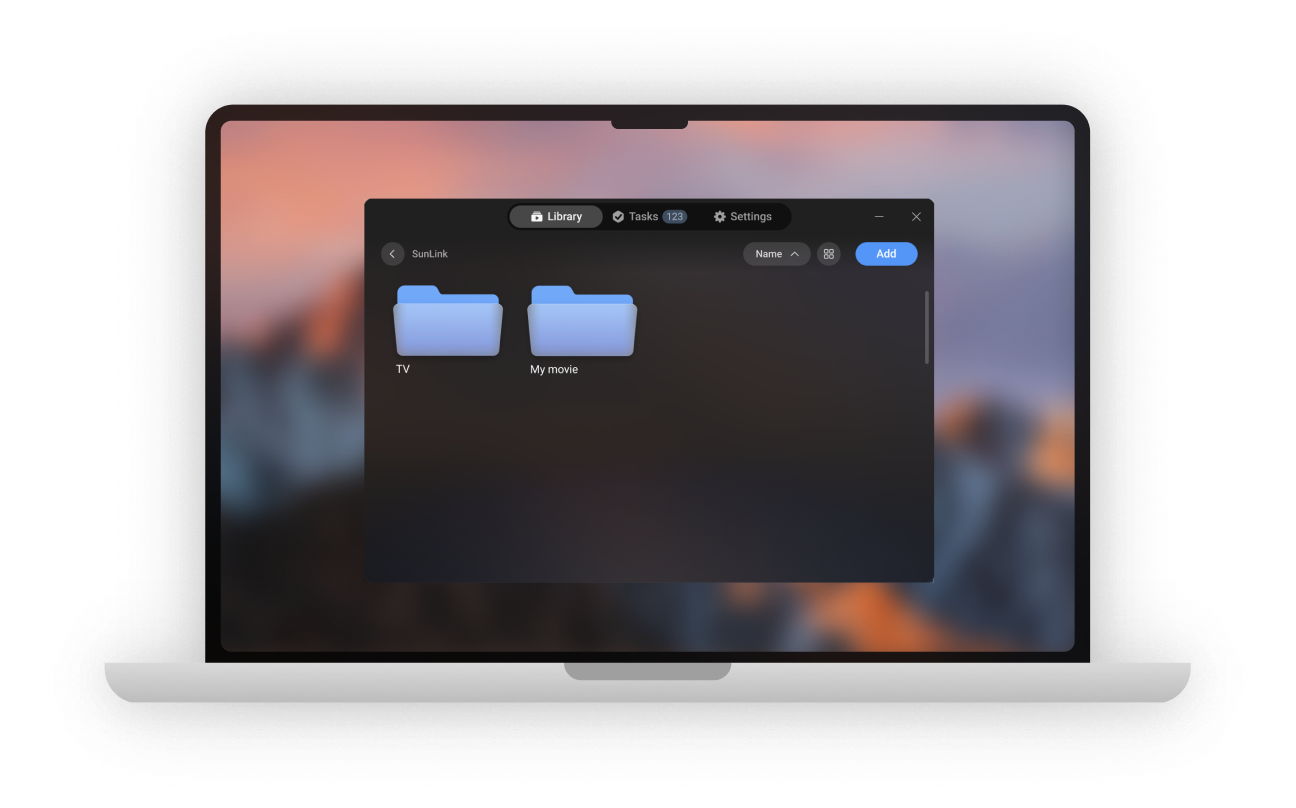
Choose videos on Ubuntu, Windows, Mac, iPhone, or iPad and browse them in NEX on Quest—without copying files to your headset. Desktop apps also support local 3D conversion.
Follow practical guides, share what you need, and help shape the next version of NEX.
NEX offers two local approaches. Instant 3D adds depth while a video plays on Meta Quest 3. NEX Link prepares videos on a PC or Mac for a higher-fidelity result.
Yes. Anything NEX can play can use Instant 3D on Meta Quest 3, regardless of where the video comes from.
Instant 3D prioritizes watching immediately with no computer. NEX Link prioritizes richer, more consistent depth while preserving the original video quality and frame rate.
Yes. Instant 3D runs on Meta Quest 3, while NEX Link conversion runs on your PC or Mac. Neither approach requires uploading the video to a cloud service.
Start instantly on Meta Quest 3, or prepare favorites with NEX Link when you want every detail.