How to Create a Personal VR Movie Theater for Free with NEX
Create your own personal movie theater for free with NEX. Choose a cabin or cinema setting, adjust your viewing position, screen, and lighting, and enjoy a comfortable personal VR cinema.
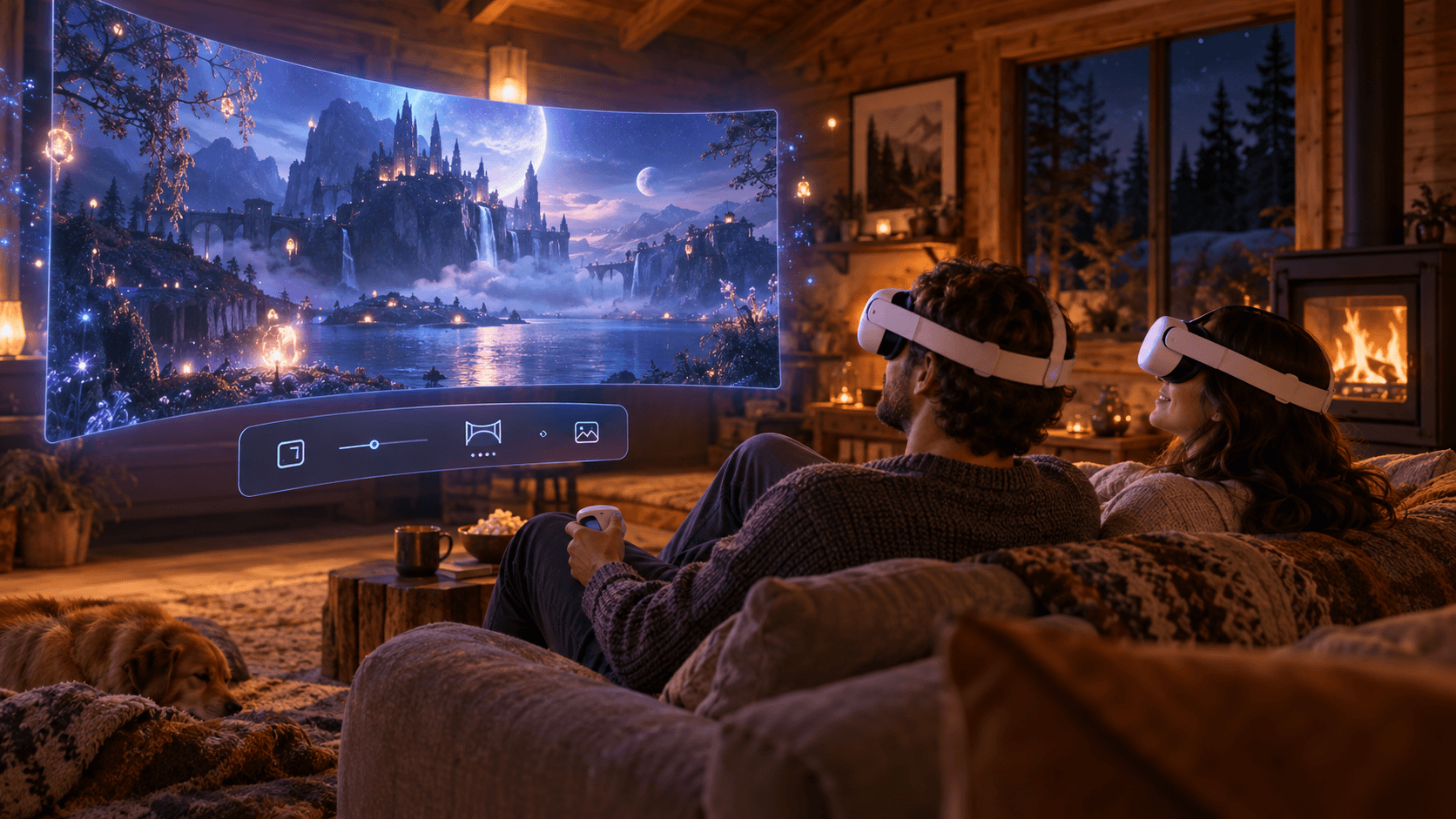
Not everyone has the space to set up a dedicated home theater. For anyone looking for a more immersive movie experience, VR offers another option: in NEX, you can enter virtual viewing spaces in a range of styles, from a warm cabin and a full movie theater to simpler, quieter environments. Adjust the screen size and viewing position to suit your habits and create the right atmosphere for watching alone, weekend movie nights, and big-screen 3D experiences.
Quick Navigation
- Make Your Personal VR Cinema Truly Yours
- Choose a Virtual Setting to Suit the Mood
- Adjust Your Viewing Position
- How to Set Up Your VR Cinema
- Frequently Asked Questions
NEX offers a free trial, with the option to upgrade to the Full Version to unlock all features.
Make Your Personal VR Cinema Truly Yours
A big screen is only part of the cinema experience. Your surroundings, your distance from the screen, the lighting, and ambient sounds all affect how comfortable it is to watch in VR.
| Viewing plans | Suggested setting | Suggested position | Why it works |
|---|---|---|---|
| A cozy movie night | Emberwood | Inside the cabin | A warm atmosphere that helps you focus |
| An outdoor viewing feel | Emberwood | Outside the cabin | More open space around the screen |
| Blockbusters or concerts | Max Cinema | Middle rows | A good balance of screen size and viewing angle |
| Films with lots of subtitles | Mono Lux or Max Cinema | Middle or back rows | Easier to see the full picture and subtitles |
| Staying aware of your real surroundings | Passthrough | Place the screen in a comfortable position | Blends the virtual screen into your real space |
Choose a Virtual Setting to Suit the Mood
- Emberwood brings movie night into a warm forest cabin. You can switch between positions inside and outside the cabin, giving the same setting either an intimate or a more open feel.
- Max Cinema offers the sense of space of a full movie theater, making it a good fit for action movies, concerts, and visually rich films.
- Mono Lux has a modern, understated style for those who prefer a simple cinema environment.
- Coldpeak places your viewing space beside a lake among snowy mountains, ideal when you want a cool, open atmosphere.
- Passthrough lets you stay aware of your real surroundings while watching a film.
There is no single best setting. A quiet drama may suit the cabin, while a blockbuster may feel more at home in a full movie theater. Before starting playback, quickly try two or three settings and choose the one that best matches the film's mood.
Adjust Your Viewing Position
- Front rows: The screen fills more of your field of view, making this a good choice for shorter, visually striking content, though longer sessions may feel more demanding.
- Middle rows: A good balance of picture size, comfort, and subtitle readability makes this a useful starting point for most films.
- Back rows: It is easier to see the full picture, making these a good choice for subtitled films, sports, or longer viewing sessions.
Your most comfortable position can change from film to film. Movies with fast camera movement, wide subtitles, or long runtimes are usually better viewed from a little farther back.
How to Set Up Your VR Cinema
- Open NEX and play the movie or video you want to watch.
- Open the environment settings and choose a cabin, movie theater, minimalist space, or Passthrough.
- Choose your viewing position. In Emberwood, compare the inside and outside of the cabin; in cinema settings that support position selection, try the front, middle, and back rows.
- Adjust the screen size, distance, and curvature until the full picture fits comfortably in your field of view.
- Set the lighting and ambient sounds to match the atmosphere you want.
- Start your movie night.
NEX can play content stored on your headset or a USB device, access your computer through NEX Link, and use network sources such as SMB, DLNA, and WebDAV. Choose the playback method that suits your library's location and network conditions.
Whether you are at home, in a dorm, or traveling, NEX lets you have a personal cinema anytime, anywhere and enjoy a cozy movie experience.
Frequently Asked Questions
Are VR cinemas only for watching 3D movies?
No. A virtual cinema can play regular 2D videos as well as the 3D formats supported by NEX. The environments, screen positions, and seating choices in NEX can make watching a movie feel more like a special occasion.
Which NEX setting is best for a personal cinema?
If you like a cozy private space, try Emberwood first. If you prefer the scale of a traditional movie theater, choose Max Cinema. Mono Lux is also a good fit when you want fewer distractions. The best setting depends on the type of film and how long you plan to watch.
Can I watch movies without copying them to my headset?
Yes. Depending on your devices and network setup, NEX supports streaming content from your computer through NEX Link and accessing network video sources through SMB, DLNA, and WebDAV, as well as local headset and USB storage.