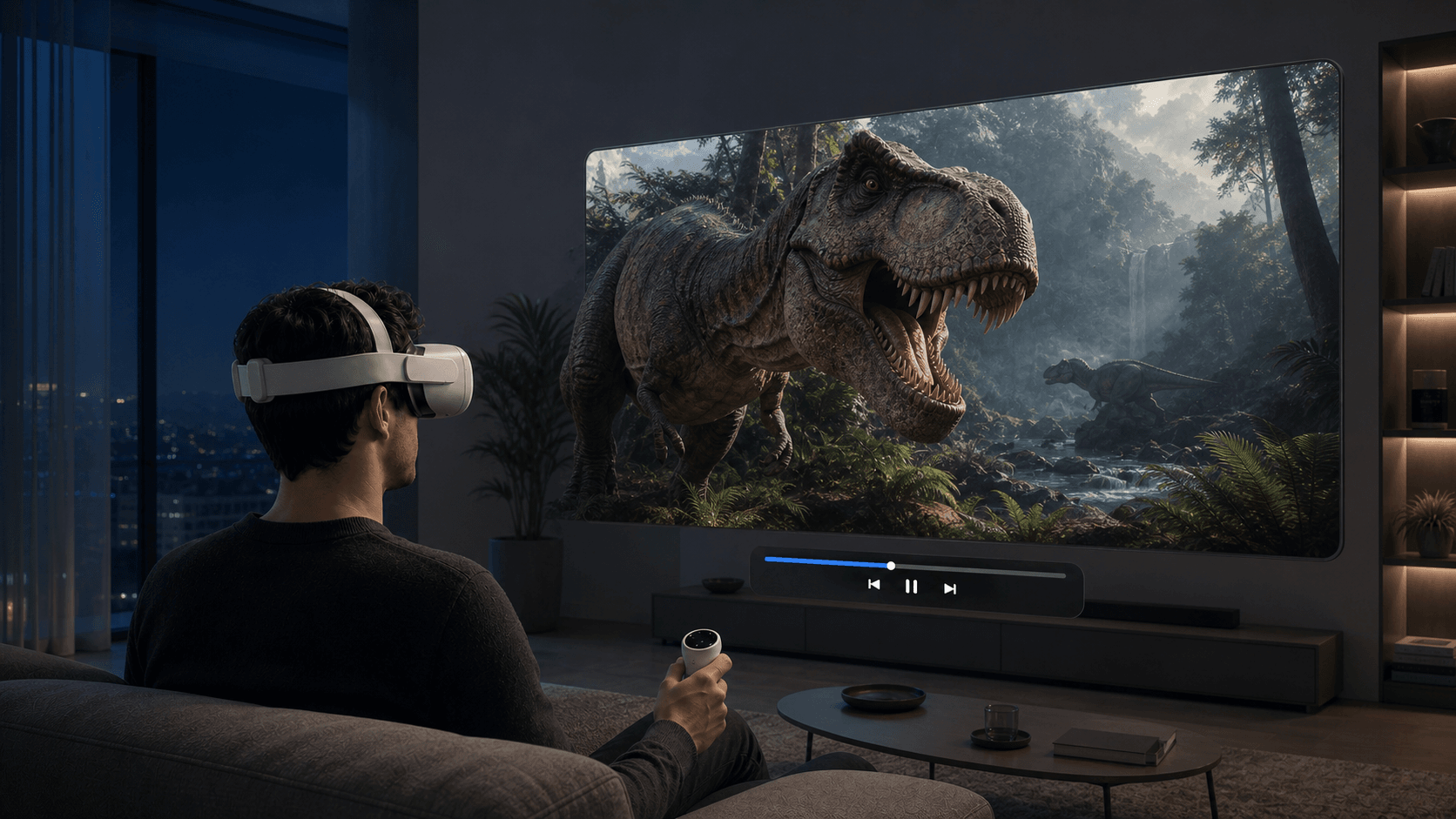
What Is MVC 3D? A Guide to Playing 3D Blu-ray Movies on Meta Quest
What's the difference between MVC 3D and SBS? This article explains MVC, 3D MKV, and Blu-ray ISO, and how to play MVC 3D movies directly on Meta Quest.
What Is MVC 3D? A Guide to Playing 3D Blu-ray Movies on Meta Quest
If you've collected 3D Blu-ray movies, you've probably come across names like MVC, 3D MKV, ISO, and SBS. They all seem related to 3D, but they're not the same thing: some are encoding methods, some are file containers, and others are disc images. If you choose the wrong playback method, the movie might only display in 2D, or you might have to spend hours converting it.
The good news is that Meta Quest can now directly play some MVC 3D files. As long as the source retains the full left and right eye video, you don't need to convert it to SBS first. Let's clarify a few concepts first, then walk through the playback steps.
What Exactly Is MVC 3D?
MVC stands for Multiview Video Coding, which is a multiview extension of H.264/AVC and the video encoding used by 3D Blu-ray.
A stereoscopic movie needs to provide separate images for the left and right eyes. MVC stores a base view and encodes the other view using the similarities between the two eye images. During playback, the device sends the two views to the left and right eyes respectively, and we perceive depth and stereoscopic effects.
In simple terms, MVC is not a file extension. An MVC source might be packaged in a container like MKV, or it might exist in a 3D Blu-ray directory or ISO image. Therefore, seeing a filename with .mkv doesn't directly tell you whether it's regular 2D, SBS, or retains an MVC video track.
What's the Difference Between MVC and SBS?
Both MVC and SBS can store left and right eye images, but they organize them differently.
| Format | How Left/Right Eye Images Are Stored | Common Characteristics |
|---|---|---|
| MVC | Base view plus difference information for the other view | Native format for 3D Blu-ray, can preserve full resolution for each eye |
| Half SBS | Left and right images compressed and placed side by side in the same frame | Wide compatibility, but horizontal resolution per eye is typically halved |
| Full SBS | Two full images side by side | Higher clarity, but larger file and more decoding pressure |
| Top-Bottom | Two images stacked vertically | Similar principle to SBS, just different arrangement |
Previously, many Quest users would re-encode MVC to SBS before putting it on the headset. That approach is easy to play, but it requires waiting for conversion, takes up extra storage, and may cause quality loss. If the player can decode MVC directly, the original file can usually be used as is.
Play MVC 3D Directly on Meta Quest with NEX
NEX VR Player recently added direct MVC 3D playback. "Direct" here means the player reads the two MVC views directly, without needing to re-encode the movie into SBS or Top-Bottom.
The process is not complicated:
- Update NEX to the latest version on your Meta Quest.
- Prepare a 3D movie file that retains the MVC video track.
- Place the file in local storage or a network media source that NEX can access.
- Find the movie in NEX's media library and open it.
If the movie is correctly recognized, the image will be composited into a stereoscopic view automatically, without needing to manually select an SBS layout. This saves the time of re-encoding and avoids quality loss from recompression.
One important note: Support for MVC files does not mean support for all 3D Blu-ray ISO, disc menus, or encrypted discs. MVC is a video encoding, while ISO may contain full directories, menus, multiple playlists, and copy protection. When preparing your source, use content you own and have the right to process, and ensure the final file retains the MVC track.
Who Is MVC Direct Play For?
If you already have 3D Blu-ray backups that retain the MVC track, direct play saves the most time and avoids unnecessary recompression. Conversely, if your source is already SBS or Top-Bottom, just play it with the corresponding layout; there's no need to convert to MVC.
In short, MVC's value isn't that it's "superior to all 3D formats," but that it preserves the original dual-view information of 3D Blu-ray. Now that NEX can read such content directly on Quest, the lengthy process of "transcode, copy, test" is greatly reduced. When using it for the first time, it's a good idea to test with a short file to ensure 3D, audio, and subtitles work properly before watching a full movie.
Related reading
- How to Watch 3D Movies on Meta Quest: 3 Simple Methods
- NEX Guide to 2D-to-3D and Real-Time 3D
- How to Watch Movies and Videos on Meta Quest
Frequently asked questions
Why is there little or no depth after I select 3D?
Check the source first. Native 3D video needs the correct SBS or Top-Bottom layout; swap the left and right eyes if the depth looks reversed. Selecting a 3D layout for an ordinary 2D video does not create full stereoscopic depth by itself. See the NEX 2D-to-3D guide for the appropriate workflow.
Do SBS or Top-Bottom movies need to be converted again?
No. Play the file directly and select the layout that matches the source. AI 3D or 2D-to-3D processing is only needed for a normal single-view 2D video.